
Hospitality
Create better guest-facing screens.
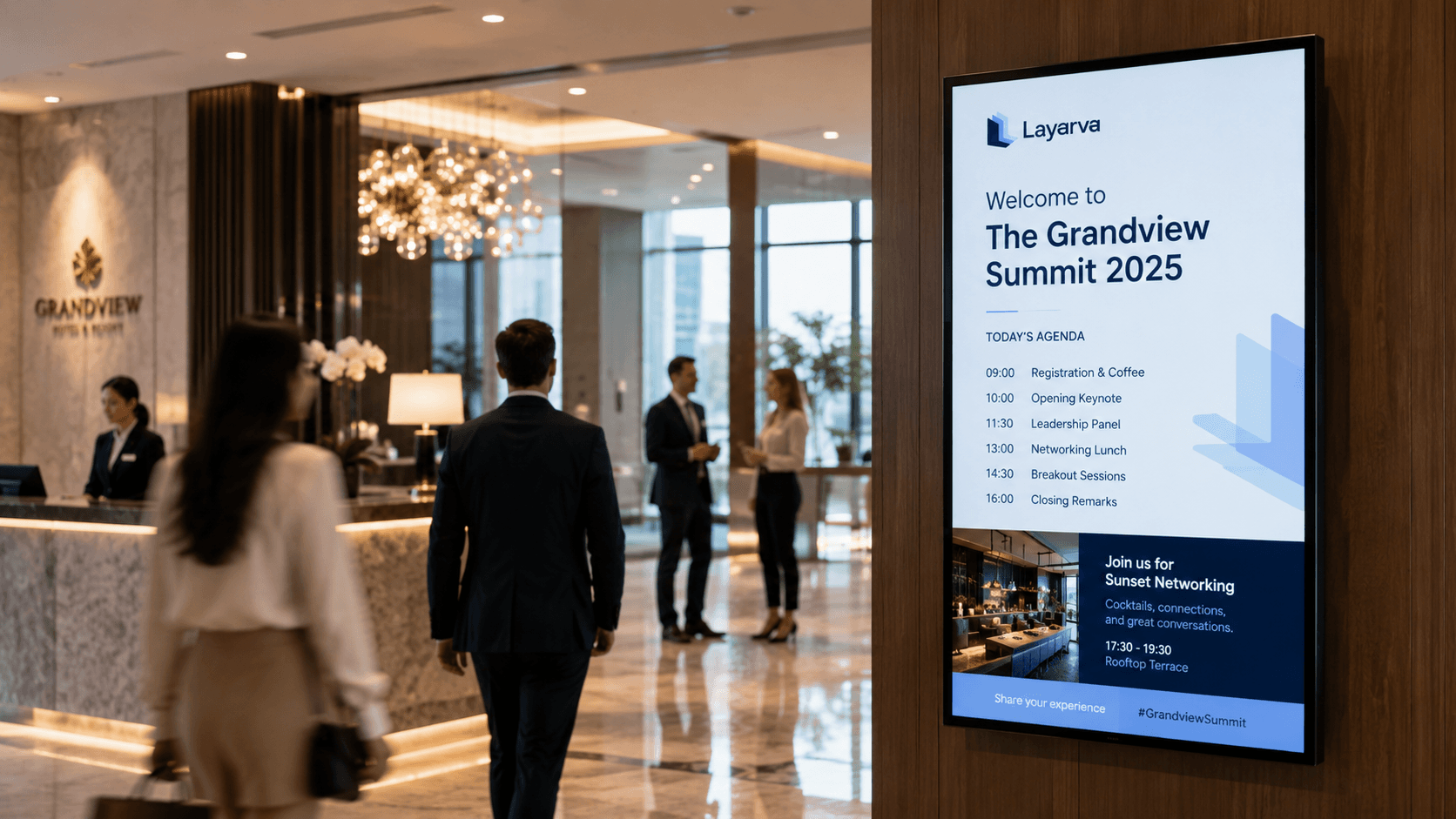
A guest reads the lobby screen in the first thirty seconds of arriving. It is worth more than a scrolling logo.
Use cases
Around the property.
Lobby
Arrival information, the day's programme, the weather outside.
Welcome display
Named greetings for a group or an event, scheduled ahead.
Restaurant menus
Menus that follow service times without being reprinted.
Event schedules
Room by room, updated when the programme moves.
Promotions
Venue services, offered where guests are already standing.
Wayfinding content
Directions to the places guests ask reception about.
Paperless Queue · QR KiosK Cloud
A digital ticket for guest service queues.
Where reception or guest-service desks use a queue, guests can scan a Cloud kiosk QR, choose a service, and keep their ticket on their phone. Staff retain control of calls and service status from the operator console.
Explore paperless Queue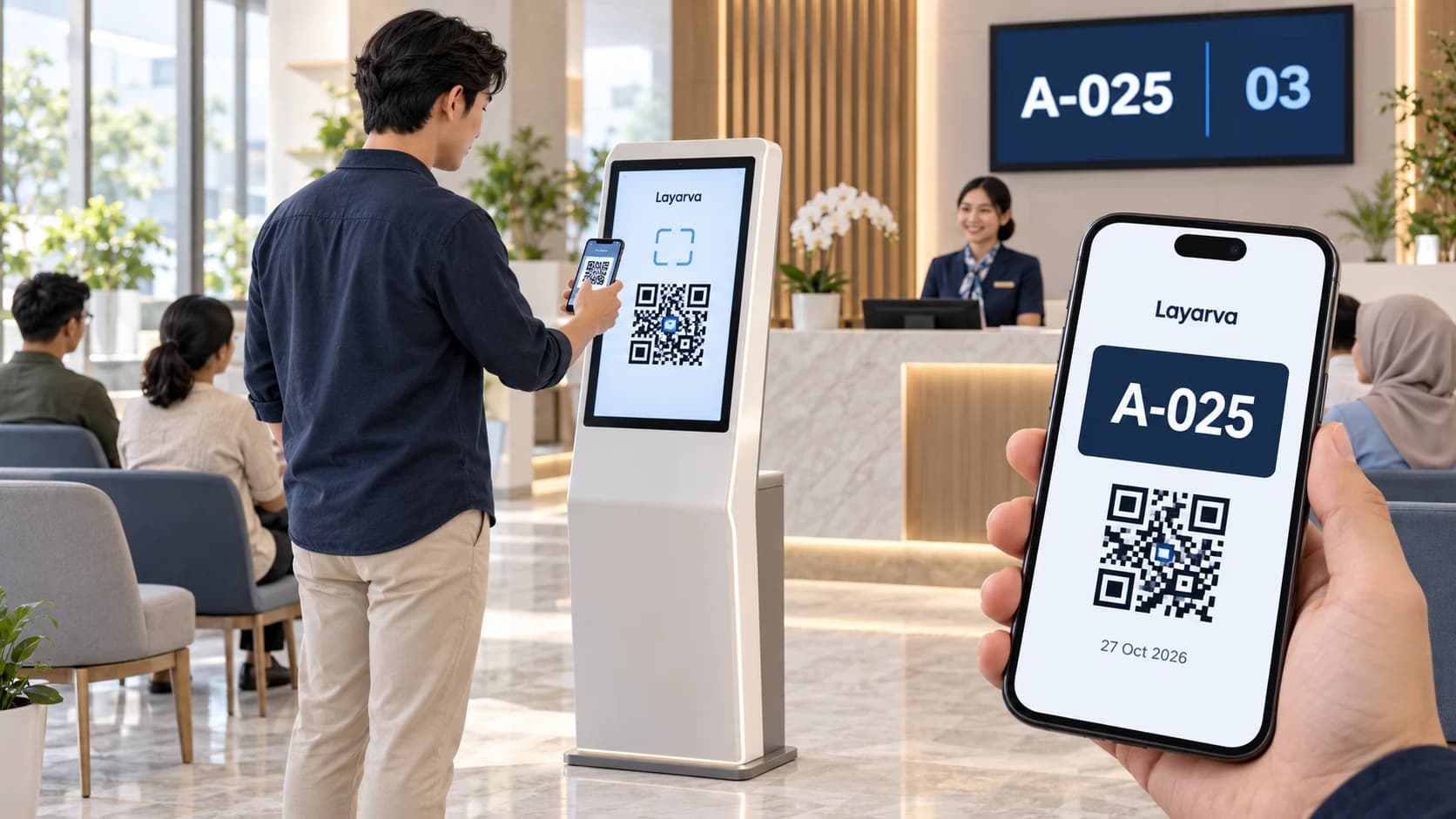
Scan at the kiosk
Open the QR from the kiosk screen using your phone camera.
Choose a service
Choose a queue in your phone browser and complete a form if one is enabled.
Save your digital ticket
Receive a ticket with a queue number and QR that you can download. Wait for the service call.
QR paperless mode requires Cloud and an internet connection, via a kiosk browser or the supported Layarva Android KiosK app. Visitors use their phone browser. QR mode is not available for Edge or Offline. Regular kiosks with supported ticket printing remain available.

Capabilities